

The electronic Tax Invoice Management System (eTIMS) mandate by the Kenya Revenue Authority (KRA) has fundamentally transformed corporate financial operations across Kenya. The requirement to issue real-time, digitally signed invoices and maintain absolute fiscal reporting accuracy is no longer an optional process-it is a critical daily operational reality.
For businesses operating in fast-paced digital marketing sectors like cosmetics distribution, corporate retail, fitness management, or general technical services, tax compliance can easily become a major resource drain. Many organizations find themselves trapped in the eTIMS Compliance Paradox. While filing returns accurately is legally required, executing it through manual workflows or fragmented, third-party middleware leads to disconnected systems, manual data validation bottlenecks, costly operational disruptions, and heightened exposure to severe KRA regulatory scrutiny.
To bridge this gap and streamline your corporate tax management, Software Dynamics developed eTIMS Connect 365. Built directly as a preconfigured, compliance-focused integration solution on Microsoft Dynamics 365 Business Central, this platform turns your ERP into a centralized tax compliance powerhouse. It automates the entire fiscal journey-from device setup to real-time e-invoicing and stock reporting-ensuring every transaction is fully KRA-compliant, transparent, and seamless.
The High Stakes of KRA Compliance: Deadlines, Returns, and Penalty Mitigation
In Kenya, corporate tax management demands strict adherence to statutory timelines. A critical date for every enterprise is the deadline for KRA returns, which falls on the 20th of every month for Value Added Tax (VAT) and monthly rental income, alongside the annual income tax filing deadline on June 30th. Navigating these dates requires pristine ledger entries and real-time transaction tracking.
Failing to meet these timelines or submitting mismatched transaction data results in severe financial consequences. The cost of manual compliance or disconnected systems goes far beyond administrative headache; it introduces substantial compliance risk.
How eTIMS Connect 365 Helps You Avoid Penalties for Late Returns
Operating with manual processes or separate, non-integrated systems creates major gaps between day-to-day ERP operations and KRA compliance requirements. If your sales, purchases, and inventory data do not automatically reconcile, your finance team must spend days manually auditing invoices before filing returns. This manual data validation frequently leads to incorrect customer PINs, unregistered products, or missing codes, causing invoice rejections, transaction delays, and administrative backlog.
When the deadline for KRA returns approaches, a backlogged finance team is highly susceptible to missing the submission window or filing inaccurate records. eTIMS Connect 365 protects your business from expensive penalties for late returns and non-compliance through automated, preventative features:
- Eliminating the End-of-Month Rush: Because transactions are fiscalized and synchronized in real time, your tax data is continuously compiled. There is no need for frantic, manual data compilation when the monthly deadline arrives.
- Pre-Validation of Data: The system instantly validates customer PINs and registers items with the KRA during standard daily workflows, preventing the data errors that cause delayed filings and subsequent penalties.
- Audit-Ready Ledgers: Centralized transaction records provide a comprehensive, drill-down audit trail directly inside Business Central, ensuring your filings match KRA records perfectly and eliminating the risk of punitive assessments during regulatory audits.
Centralized Tax Compliance: Core Microsoft Dynamics 365 Business Central Features
Instead of relying on external third-party software that fragments your operational workflows, eTIMS Connect 365 unifies your invoicing, fiscal devices, customer data, and reporting into a single, integrated engine directly inside Microsoft Dynamics 365 Business Central.
Below is an exhaustive, technical breakdown of the features engineered to provide maximum operational clarity, robust accounting oversight, and seamless KRA alignment:
1. OSCU / VSCU Device Management
Compliance begins with a properly initialized fiscal device. Whether your organization utilizes an Online Sales Control Unit (OSCU) for real-time connectivity or a Virtual Sales Control Unit (VSCU) for high-volume, batch server-to-server processing, eTIMS Connect 365 manages the entire device lifecycle natively.
- One-Click Device Initialization: Safely register and activate your OSCU or VSCU device using your official KRA PIN directly from the Business Central interface, eliminating manual configuration errors.
- Sandbox-to-Production Lifecycle: Protect your live financial ledgers by testing transactions safely within the KRA Sandbox environment before instantly switching over to the live production environment.
- Continuous Heartbeat Monitoring: A live, central dashboard monitors the connection status between your ERP and the KRA system, providing automated alerts to ensure constant connectivity and zero transaction disruption.
2. Automated Master Data Synchronization
Incorrect customer data or unregistered products can lead to immediate invoice rejections, interrupting your sales cycle and delaying payment collection. This feature builds a clean, 100% accurate master data foundation.
- Real-Time PIN Validation: Automatically validate customer PINs and official legal names against the live KRA database during the customer creation stage in Business Central.
- Automated Item Registration: Automatically register products with the KRA, embedding necessary regulatory classifications such as UNSPSC codes, standard tax identifiers, units of measure, and country of origin.
- Standard Code Fetching: Automatically download and update required KRA tax codes, payment types, and units to maintain continuous accounting accuracy without manual administrative data entry.
3. Real-Time Sales Invoicing & Fiscal Document Capture
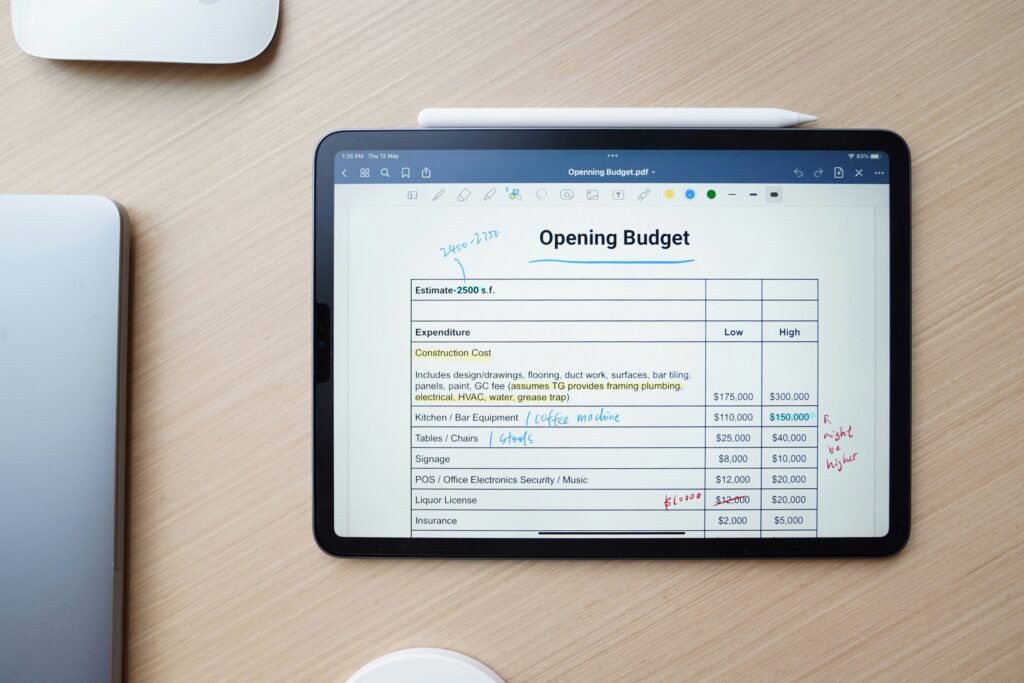
Every sales transaction must be digitally signed by the KRA to be recognized as a valid fiscal document. eTIMS Connect 365 embeds this verification directly within your standard Business Central sales posting workflow.
- Synchronous Invoice Signing: Invoices are automatically routed through, verified, and signed by the KRA OSCU/VSCU before final posting is completed in the ERP.
- Instant QR Code Generation: The system automatically generates and appends the mandated KRA verification QR codes onto printed or electronic invoices for instant validation by your corporate clients.
- Fiscal Data Capture: Crucial fiscal identifiers-such as the Fiscal Document Number (FDN), Unique Invoice ID, and KRA verification codes-are stored permanently directly on the posted invoice records for effortless future retrieval.
4. Credit Notes & Returns Reconciliations
Handling transaction reversals, order cancellations, or inventory returns requires perfect fiscal traceability to avoid inflating your reported tax liabilities.
- Linked Fiscal Reversals: When creating and submitting credit notes or transaction cancellations to the KRA, the system automatically references and links back to the original verified invoice.
- Inventory Reconciliation: Ensure that returned goods are simultaneously and accurately updated within both your physical inventory ledgers and your KRA tax submissions to prevent compliance discrepancies.
5. Purchases, Imports & Input VAT Fetching
True compliance extends beyond your sales ledger. Your input VAT claims must be securely validated against legitimate supplier data to withstand KRA audits and prevent the rejection of expense claims.
- Automated Purchase Fetching: Run automated background scheduled jobs that retrieve supplier invoices issued to your company PIN directly from KRA servers.
- One-Click Purchase Document Creation: Convert those fetched supplier invoices instantly into ready-to-process Business Central purchase documents, reducing manual bookkeeping effort.
- Customs & Imports Integration: Link customs import records directly with your inventory receipts and landed cost calculations to ensure inbound compliance on international shipments.
6. Inventory Control & Stock Movements
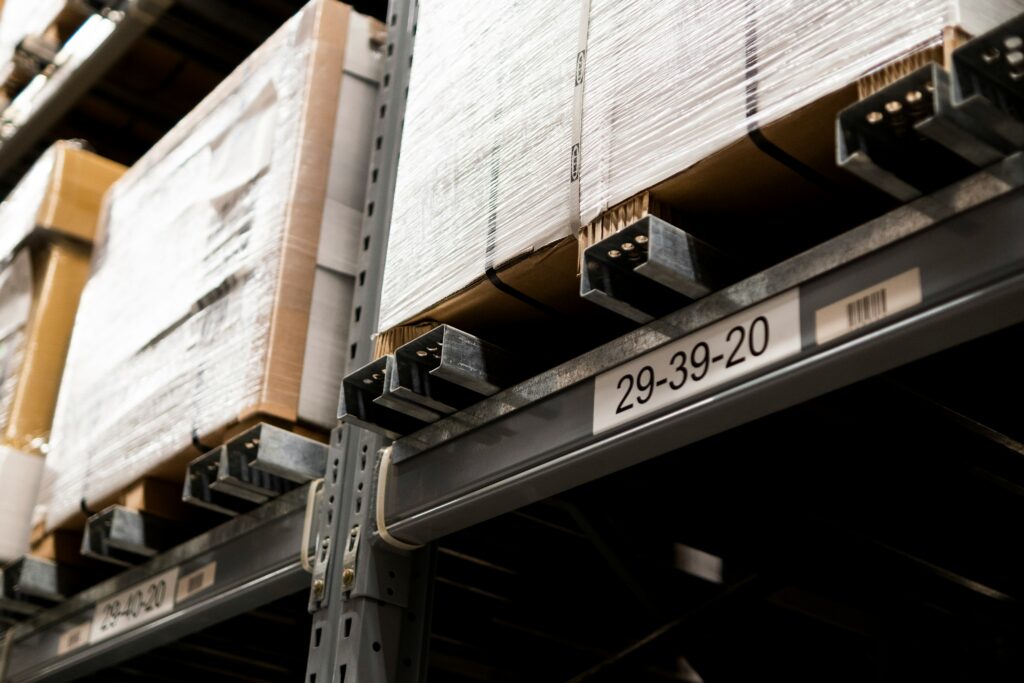
The KRA requires visibility into how physical stock moves within a business to combat undeclared sales. eTIMS Connect 365 maintains a perfectly synchronized ledger between your physical operations and fiscal declarations.
- Automated Stock Movement Reporting: Automatically report goods receipts, outbound shipments, and internal stock adjustments to the KRA directly from the inventory module.
- Requisition & Transfer Compliance: Ensure inter-branch stock transfers are reported instantly, utilizing correct, validated branch identifiers across different locations.
- Stock Count Integration: Submit official physical inventory adjustments and stock-take results directly to KRA systems from Business Central.
7. Error Handling, Resilience & Offline Queuing
Network outages or temporary KRA server latency shouldn’t bring your business operations to a halt. eTIMS Connect 365 protects your operations with resilient recovery processes.
- Intelligent Queuing & Retry: If the KRA system experiences downtime, your transactions are securely queued locally and automatically resubmitted once connectivity is restored, ensuring uninterrupted business flow.
- Comprehensive Error Translation: Technical, complex KRA error codes are translated into clear, actionable, user-friendly language so your finance team knows exactly how to fix data discrepancies.
- Detailed Integration Logs: Every API request and response sent to the KRA is logged transparently for seamless troubleshooting and deep audit trails.
8. Multi-Company & Branch Management
For large corporate entities or growing brands, managing compliance across several locations can be a logistical nightmare.
- Centralized Control, Decentralized Operations: Manage overarching eTIMS configurations centrally from a single instance while allowing individual branches or subsidiaries to execute their billing independently.
- Consolidated Visibility: Review compliance statuses, transaction summaries, and Z-reports across all branches from a single, centralized corporate workspace.
9. Reporting, Analytics & Dashboards
- Automated Mandatory Reports: Generate required KRA reports, such as Daily Sales Summaries (Z-reports), directly from Business Central data.
- Live Compliance Dashboard: View the real-time status of all submitted, pending, or rejected invoices from a centralized visual console to keep tabs on operational health.
- Audit Trail Excellence: Provide regulatory auditors with seamless drill-down visibility from general financial ledger entries all the way to the original KRA-signed invoice.
Strategic Industry Accelerators: “Start from Success”
Software Dynamics eliminates the risk, high costs, and sluggishness of traditional custom coding by utilizing Strategic Industry Accelerators. Rather than starting from scratch, businesses leverage pre-configured industry blueprints built with “battle-tested” logic that align seamlessly with the Dynamics 365 ecosystem.
Whether your business operates in high-end cosmetics distribution, corporate retail networks, fitness and wellness centre management, or professional service consulting, these Microsoft Certified accelerators help bypass months of custom engineering. They reduce overall system deployment time by up to 85%, ensuring your core operations launch in weeks rather than years with predictable, proven performance outcomes.
How We Deliver: A Proven Transformation Framework
Software Dynamics approaches integration as a strategic journey, employing a structured four-phase delivery framework to guarantee a smooth go-live with zero operational friction:
- Discover & Align (Clarity): Assessing your current systems, mapping operational pain points, identifying specific workflow inefficiencies, and mapping out corporate compliance needs.
- Design the Solution (Precision): Defining optimized target workflows, designing future-state architecture models, and establishing a detailed deployment roadmap for Business Central success.
- Implement & Activate (Momentum): Setting up core modules, mapping eTIMS logic, handling legal entity configurations, executing secure data migrations, and completing technical testing for a risk-free activation.
- Enable & Evolve (Growth): Training internal finance and operations teams, managing change smoothly, and providing ongoing support, tuning, and value tracking to maximize ROI.
The Power of an Elite Microsoft Solutions Partner
Choosing Software Dynamics means partnering with an elite, deeply integrated Microsoft Solutions Partner for Business Applications. Ranked within the top 1% of global partnerships, they possess a documented history of navigating high-stakes digital shifts across Europe, the Middle East, and Africa (EMEA).
With over 15 years in operation, a team of over 20 certified Microsoft Solutions Experts, and more than 150 successful implementations across diverse corporate sectors, Software Dynamics backs your compliance transformation with premier technical excellence. Furthermore, their assets are AppSource Certified, ensuring they are strictly vetted for security, compliance, and flawless compatibility within the Microsoft cloud ecosystem.
Transparent Pricing & Implementation Complexity Tiers

To accommodate varying corporate sizes and structural complexities, eTIMS Connect 365 offers a predictable subscription framework paired with specialized consulting services.
Subscription Pricing Structure
Subscription pricing is transparent and fixed regardless of your user count, though each legal entity (company) is billed as its own subscription:
| Subscription Asset | Monthly Cost | Annual Cost |
| eTIMS Connect 365 – Business Central | $250 | $3,000 |
| eTIMS Connect 365 – Navision | $350 | $4,200 |
| eTIMS Connect 365 – Dynamics 365 Supply Chain | $750 | $9,000 |
Implementation Complexity Tiers
Dedicated consulting teams-comprising D365 Finance Consultants, Supply Chain Consultants, and Integration Developers-oversee system deployment across three straightforward complexity tiers to ensure your tax reporting aligns perfectly with your Microsoft environment:
- Standard (Low Complexity) | $4,500: Best for organizations operating within single-entity Business Central environments with straightforward processes. Estimated Effort: 256-314 hours.
- Advanced (Medium Complexity) | $6,500: Designed for growing businesses operating multiple legal entities or requiring additional corporate financial integrations. Estimated Effort: 314-640 hours.
- Enterprise (High Complexity) | $12,500: Tailored for large-scale corporate deployments requiring deeply customized workflows, advanced logistics processes, and multi-layered system integrations. Estimated Effort: 940+ hours.
Achieve Total Fiscal Efficiency
Ultimately, eTIMS Connect 365 shifts compliance from an administrative burden into an automated competitive advantage. By accelerating invoice processing, eliminating manual validation risks, providing bulletproof audit trails, and supporting multi-branch scalability, it ensures you stay well ahead of the deadline for KRA returns and completely avoids the financial sting of penalties for late returns.
For more details on how to seamless integrate your processes, you can reference the complete technical documentation Here.
Ready to turn your tax compliance requirements into a streamlined, automated business process? Connect with the Software Dynamics delivery centres to launch your transformation journey.
- Contact Kenya Office: +254 768 341 410
- Website: www.softwaredynamicsgroup.com